What makes a good support template
A template should save typing, not replace thinking. Keep each one short, put the answer or next step in the first two lines, and leave a clear place for the details only an agent can add. Words in square brackets below are the parts to fill in.
Review templates every few months. A template that quotes an old process or price does more harm than no template at all.
Receiving and clarifying
1. Acknowledgement: “Hi [Name], thanks for writing to us. Your request is logged as [ticket number] and a member of our team will reply within [time]. If you need to add anything, just reply to this email.”
2. Missing details: “Hi [Name], thanks for getting in touch. So we can look into this, could you send us [order number / booking reference / screenshot of the error]? As soon as we have it, we will pick this up.”
3. Wrong team: “Hi [Name], thanks for your message. This is handled by our [team] team, so I have passed it to them with your details. You do not need to write again; they will reply on this same ticket.”
4. Out of hours: “Hi [Name], thanks for your email. Our team is available [days and hours]. We have logged your request as [ticket number] and will reply when we are back.”
Updating and escalating
5. Delay: “Hi [Name], I wanted to update you on [ticket number]. We are still waiting on [reason], and I expect to have an answer by [date]. I will write again then, even if it is only to update you.”
6. Escalation: “Hi [Name], I have passed your request to [team or person], who can [what they can do]. They have the full history, so you will not need to explain it again.”
7. Apology for our mistake: “Hi [Name], you are right, and I am sorry. We [what went wrong]. I have [what you have done to fix it], and [what you are doing so it does not happen again].”
8. Feature request: “Hi [Name], thanks for the suggestion. I have shared it with our product team. I cannot promise when or whether it will be built, but requests like yours shape what we work on next.”
Following up and closing
9. No reply, first nudge: “Hi [Name], I am following up on [ticket number]. Were you able to [try the fix / send the details]? Reply here and we will continue.”
10. No reply, closing: “Hi [Name], we have not heard back, so we are closing [ticket number] for now. If you still need help, reply to this email and it will reopen with the full history.”
11. Resolved: “Hi [Name], we have [what was done], so this should now be sorted. If anything still is not right, reply to this email and we will pick it up again.”
12. Refund or credit issued: “Hi [Name], we have issued a [refund / credit] of [amount] to [payment method]. It usually shows within [time], depending on your bank.”
Keep templates where agents reply
Templates kept in a shared document get copied wrongly and fall out of date. Store them in the helpdesk, so agents insert the approved wording into the reply in one click and a team leader can update it for everyone at once.
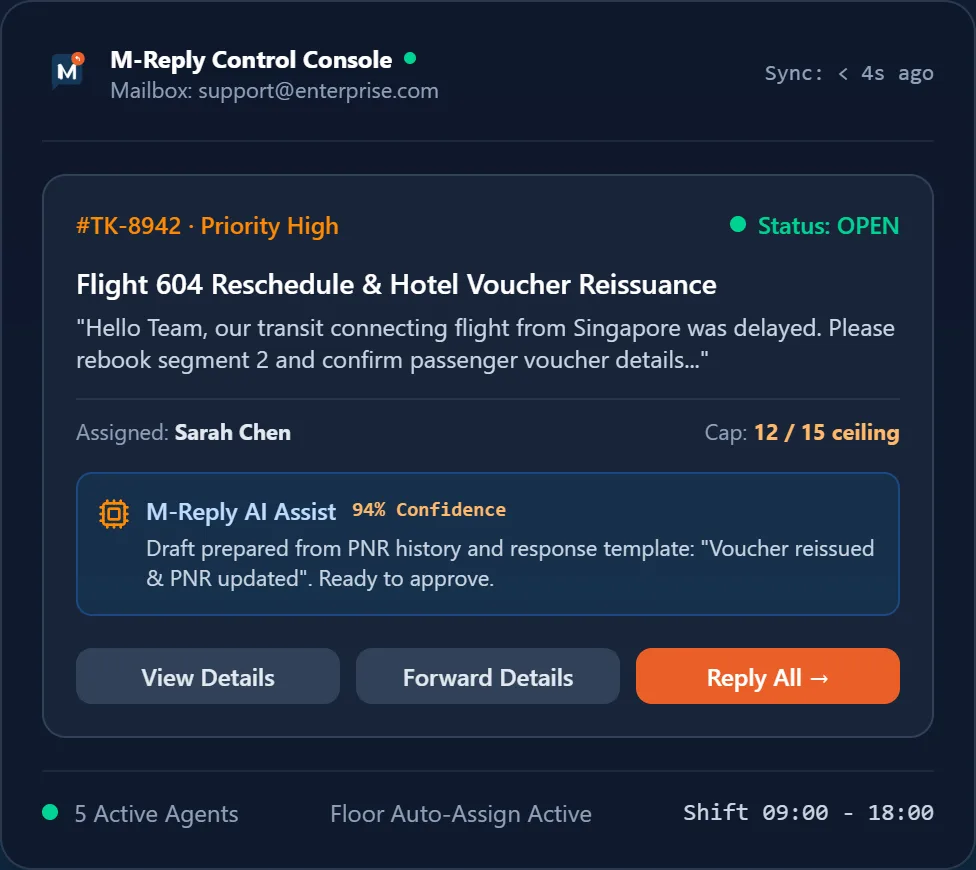
In M-Reply, response templates and automatic acknowledgements live alongside the ticket, and AI Assist can draft a reply from the ticket history and your templates for the agent to review before sending.